Public Witnessing: Plan the Shifts
Sign up instead of keeping lists
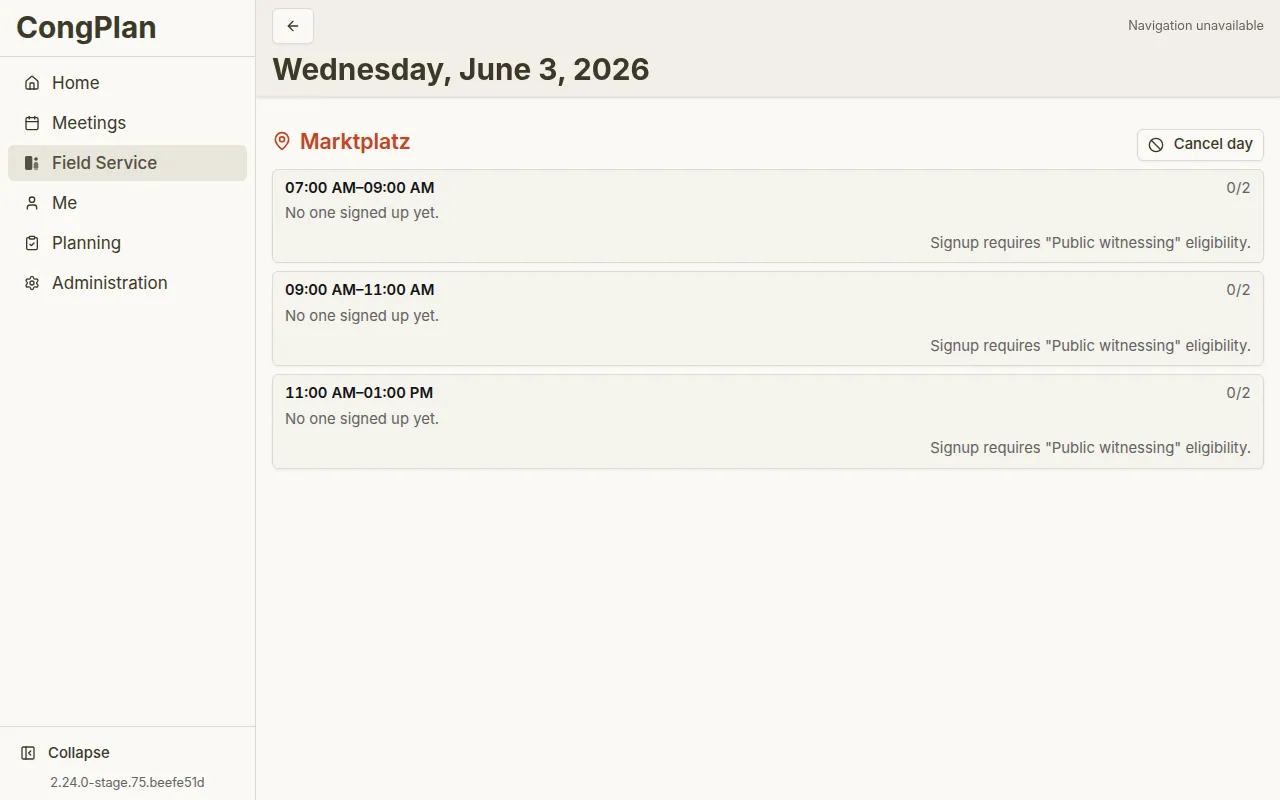
Approved publishers see at a glance in the day view which shifts still have open spots, which are full, and which have been cancelled – and sign themselves up or out. Every sign-up automatically appears in the personal plan.
Set up once, use again and again
The structure is quickly in place: a plan – say, for the weekly market or the pedestrian zone – holds locations; each location has its weekdays, its start time, and one or more shifts with duration and the number of publishers needed. New shifts take over the duration and count of the previous one, so a full day is set up in a few steps.
When things change
Individual days can be cancelled and restored without touching the recurring structure. Whole plans can be set to inactive or given a validity period – for example for a location that is only staffed in summer.
With you on the go
Days you have loaded before can stay visible offline – handy where reception is weak. Signing up and out needs a connection, so that places, cancellations, and permissions are checked against the current state.
Matched to approval
Publishers see and use the schedule with the “Public witnessing” eligibility in their profile; managing the plans has its own permission. Anyone with neither sees no location data – so responsibilities stay clear.