Our Christian Life and Ministry Meeting App
One meeting, one place to plan it
Our Christian Life and Ministry Meeting comes back every week, and with it the same questions: who takes which part, who assists, who covers the technical roles, and who is away. CongPlan keeps the program of one meeting, its assignments and its technical assignments in a single connected view, instead of a document, a spreadsheet and a group chat that drift apart. How the same plan connects to the Weekend Meeting, field ministry and tasks is described in the shared planning cockpit .
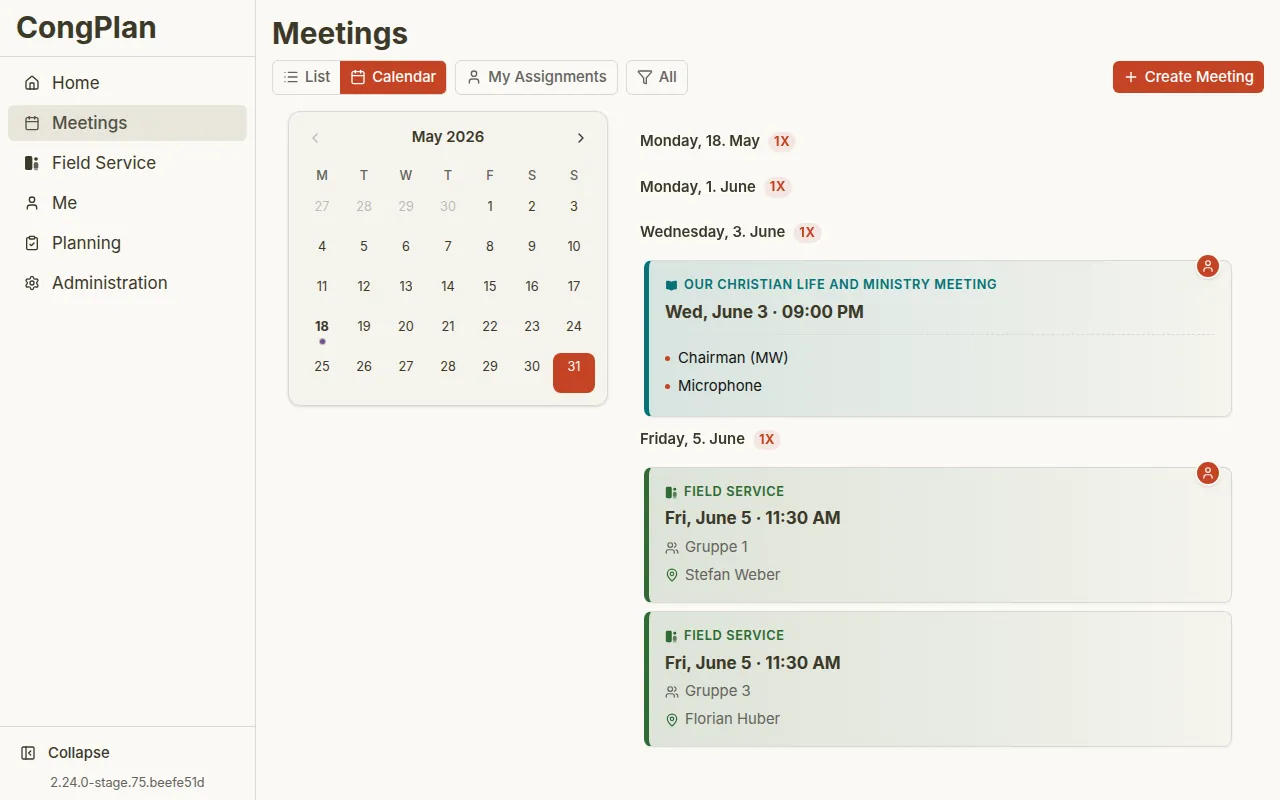
Assign the parts with the facts in front of you
While you assign, CongPlan shows what is otherwise easy to miss: qualifications for the role, absences that overlap the date, assignments the person already has, the earlier history and current conflicts. Conflicts are marked before you save, not after the sheet is on the board. Someone who has entered an absence is shown as absent and stays selectable, because a coordinator sometimes knows more than the calendar does – see Absences .
When someone cannot make it
A part that no longer fits does not need a phone chain. A hand-over request notifies everyone who is qualified for that task and not absent in that period; they accept or decline, and the task moves cleanly to whoever takes it over. Anyone absent on the date is never asked in the first place. The coordinator follows every open request in one overview – see Hand-over Requests .
Everyone gets their own part in time
Assigned people find their parts in their personal plan and are reminded automatically. The reminder times are personal: a week before, the evening before, the morning of the day, an hour before, or a combination of these – see Reminders .
From the plan to the notice board
The Print Center turns the current plan into a printable program, a chairman worksheet, a weekly plan or a monthly plan, without copying anything into a text document. A congregation that wants the times readable without a sign-in can switch on the anonymous public schedule page for the current week and a two-week preview – with no names on it until the congregation deliberately turns program details on.