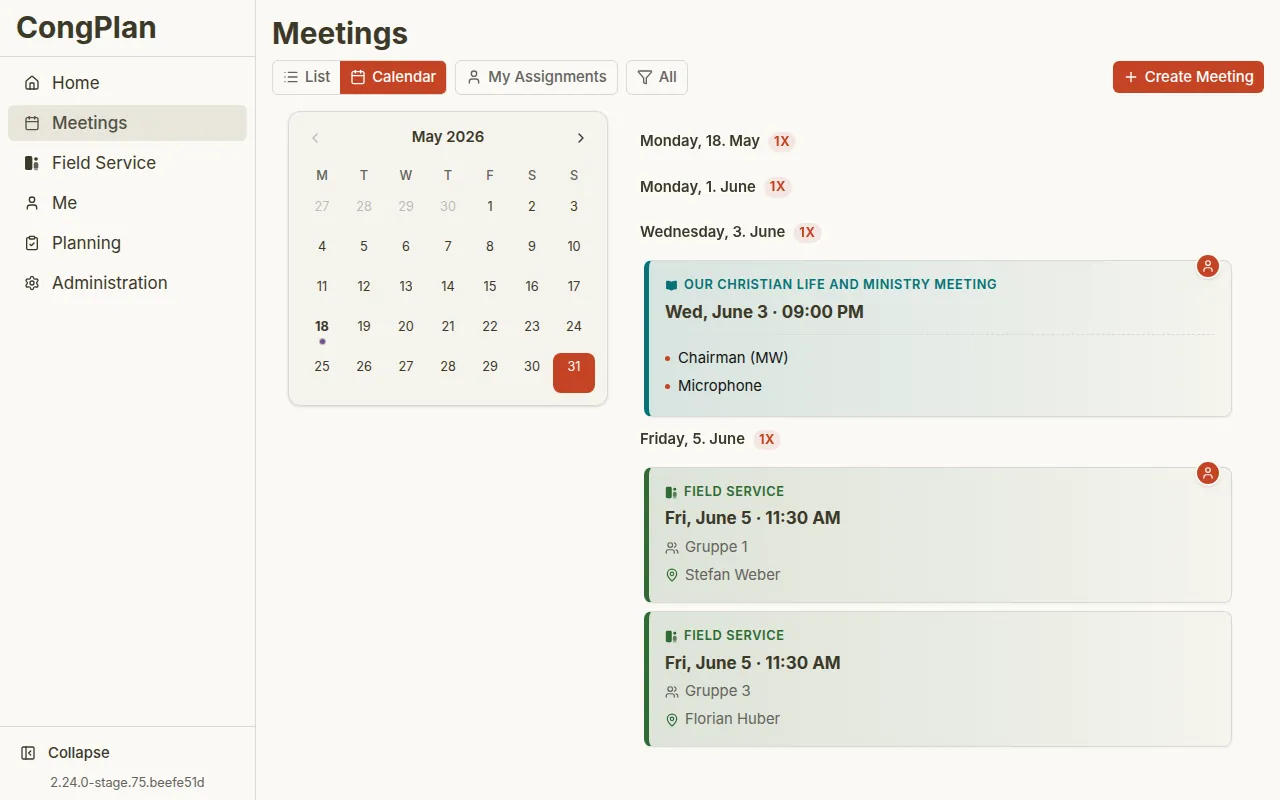
What CongPlan does for the congregation: meetings, assignments, field ministry and personal plans – free in the browser and as an iOS app for iPhone and iPad.
One Shared Plan Instead of Many Lists
CongPlan connects meetings, technical assignments, Field Service Meetings, public witnessing, tasks, and absences. Planners do not need separate spreadsheets for every workflow; the same data appears in the right view for the right user.
The interface supports German, Greek, English, Spanish, French, Hungarian, Italian, Dutch, Polish, Portuguese (Brazil), Romanian, Russian, Swedish, and Ukrainian with precise terminology for meetings, roles, and assignments.
Still planning on a desktop computer? Switching from a Desktop Program
shows what an import brings across, what you add by hand afterwards, and which personal data CongPlan never reads.
Subscribe to your personal plan as an ICS feed and see your assignments, Field Service Meetings, and dates right in the calendar you already use – always up to date, on any device.
Get reminded before your assignments – by push or in the app, at times you choose yourself. So you think of your part in good time, without constantly checking.
The shared cockpit for everyone who plans: meetings, technical assignments, Field Service Meetings, and tasks in one connected view – with context and conflict checks before anything is saved.
Connect CongPlan to an AI assistant through the open MCP interface and handle planning tasks in a conversation – always within your permissions, with the same checks and audit logging as the app itself.
The chairman keeps the meeting notes digitally and syncs them live between devices – directly device to device, without the notes being stored permanently on servers.
Create clean handouts and PDFs straight from your plan: single programs, weekly and monthly overviews, field service groups, or a role overview – choose a template, adjust the filters, print or export as PDF.
Plan outgoing public talks in one place: speaker, date, destination congregation, and topic – with an integrated congregation finder, protection against weekend double-bookings, and an automatic entry in the speaker’s personal plan.
Stage, microphones, attendants, sound, and video are planned separately from the program but with the same context: a matrix at the desk, a list on the move, templates per meeting type, and suggestions that only count once you have reviewed them.
The visit of the circuit overseer is recorded once as a service week, and from it CongPlan builds the program of the whole calendar week: Our Christian Life and Ministry Meeting, Weekend Meeting, two additional meetings as placeholders, and the linked meetings for field service.
An anonymous page shows the current week and a two-week preview with meeting times and field service meeting points, made for a QR code on the congregation notice board. No names appear until the congregation deliberately turns program details on.
Permissions keep viewing and editing apart, start from ready-made role presets, and can be fine-tuned one switch at a time. On top of that come narrow rights for a single job and two routes that sit outside the permission system entirely.
Publishers, eligibility, permissions, invitations, and devices all meet in one place. Every person has the same five cards, removing an eligibility first shows the affected future assignments, and someone who leaves is deactivated rather than deleted.
The weekly round for Our Christian Life and Ministry Meeting in one place: assign the program parts and the technical roles with qualifications, absences and conflicts in view, let a hand-over request find cover, then print the week or put it on the notice board.
Need cover for an assignment? Request a hand-over in the app – qualified, non-absent members are notified and can accept, and the coordinator keeps the overview.
One action and search bar for the whole app: open it with a keystroke, start typing, and jump straight to the right person, meeting, or feature – on desktop and on your phone.
CongPlan keeps getting better. The “What’s new” section shows new features and improvements in plain language – right in the app, with no technical release notes to read.
On iPhone and iPad, the CongPlan app adds passkeys with Face ID or Touch ID, iOS notifications, and the My Plan widget – while your plan stays the same as in the browser.
Plan public witnessing with locations, weekdays, and shifts – approved publishers see open spots and sign up themselves. Cancellations, exceptions, and the personal plan are built in.
Reach the whole congregation with one message right in the app – with images, links, and an expiry date. An unread indicator makes sure nothing slips through, and during the meeting the relevant announcements appear in the flow.
Record an absence with no reason or note required – CongPlan leaves you out of automatic suggestions, warns planners during manual assignment, never asks you for a hand-over in the first place, and adds the absence to your calendar subscription.
Plan the Meetings for Field Service in a month grid: conductor and location with conflicts shown while you choose, several field service groups in one entry, series for a steady rhythm – and group overseers who manage only their own group.