New · AI assistant · 14 languages
Congregation planning.
Simplified.
For congregations of Jehovah's Witnesses · independent, not an official app of the organization
Our Christian Life and Ministry Meeting, the Weekend Meeting, field ministry, public witnessing and technical duties – one shared plan for the whole congregation, with a personal plan for every publisher.
 (opens in a new tab)
On a computer? CongPlan runs right in the browser: my.congplan.app (opens in a new tab)
Want a look first? Try the demo, no sign-up needed (opens in a new tab)
Free Passkey instead of password Offline as a PWA and in the app EU hosting · Frankfurt

On your computer too
No download needed: CongPlan runs in the browser.
All a computer needs is a browser: open my.congplan.app and sign in. Same congregation, same data as on your phone.
- ComputerWindows, macOS or Linux – in the browser, nothing to install
- iPhone & iPadApp from the App Store, or in the browser
- AndroidIn the browser, optionally as a PWA on the home screen
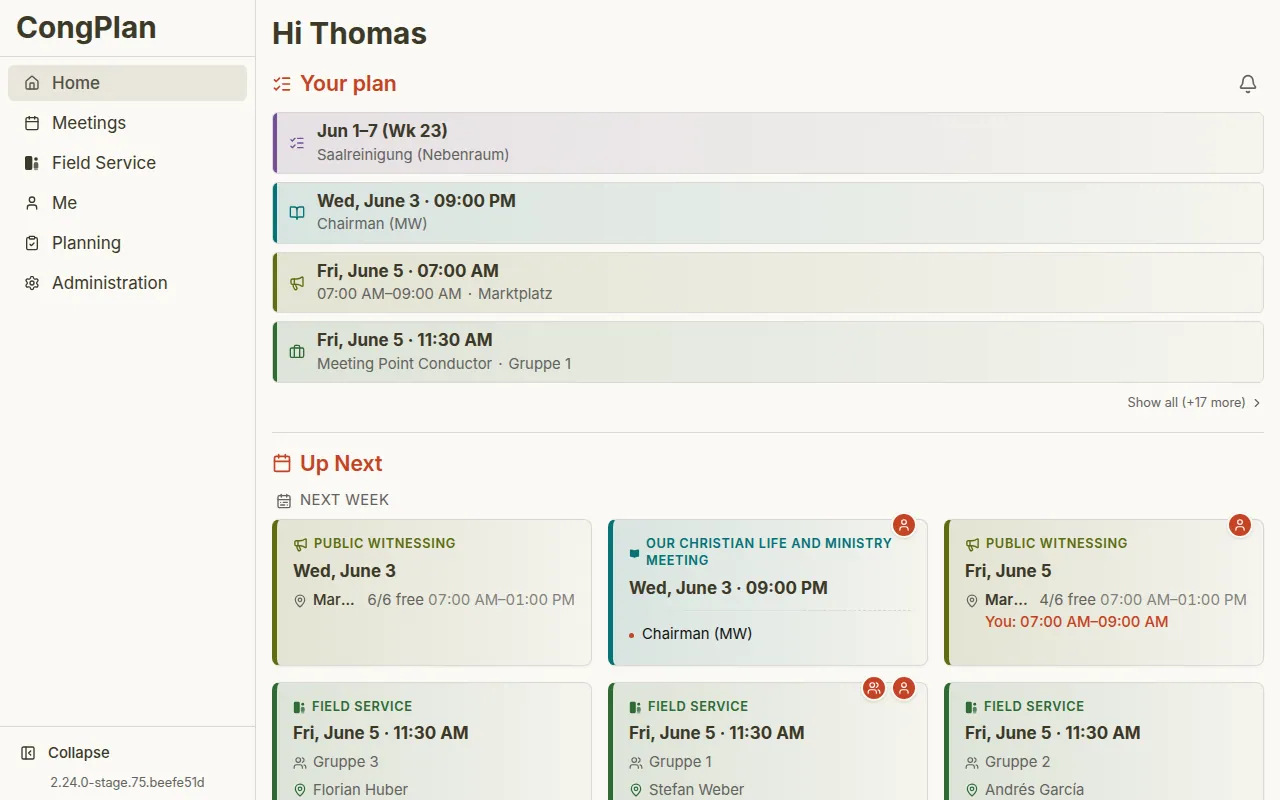
One plan for everything
From the planner
into every calendar.
Four steps, one system: this is how an assignment flows through CongPlan – no spreadsheets, no paper slips, no chat chaos.
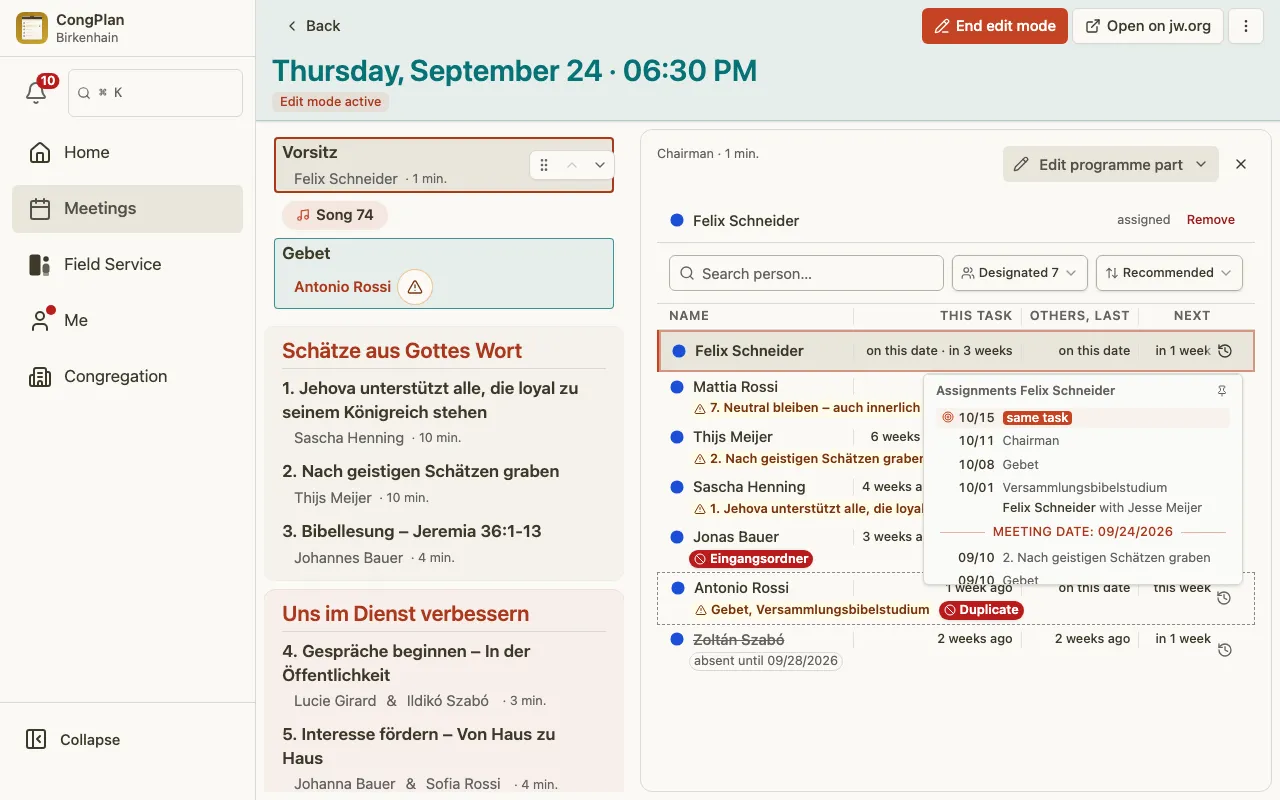
Plan together
Meetings, technical assignments, field ministry and public witnessing stay connected – one system instead of many lists.
Assign with context
Qualifications, absences, history and conflicts appear right where you assign – before the plan is saved.
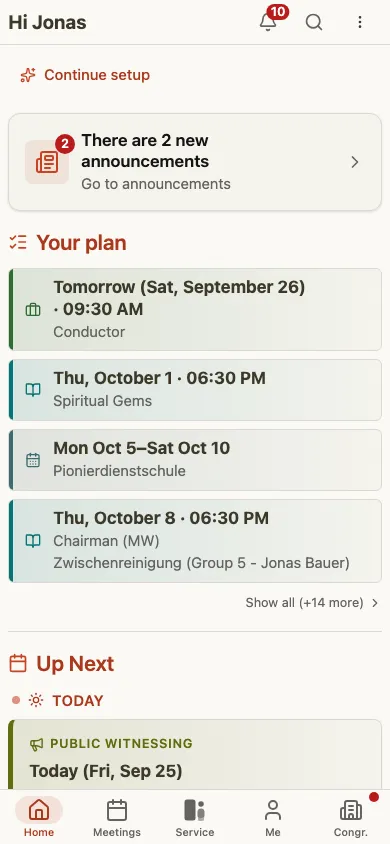
Everyone sees their plan
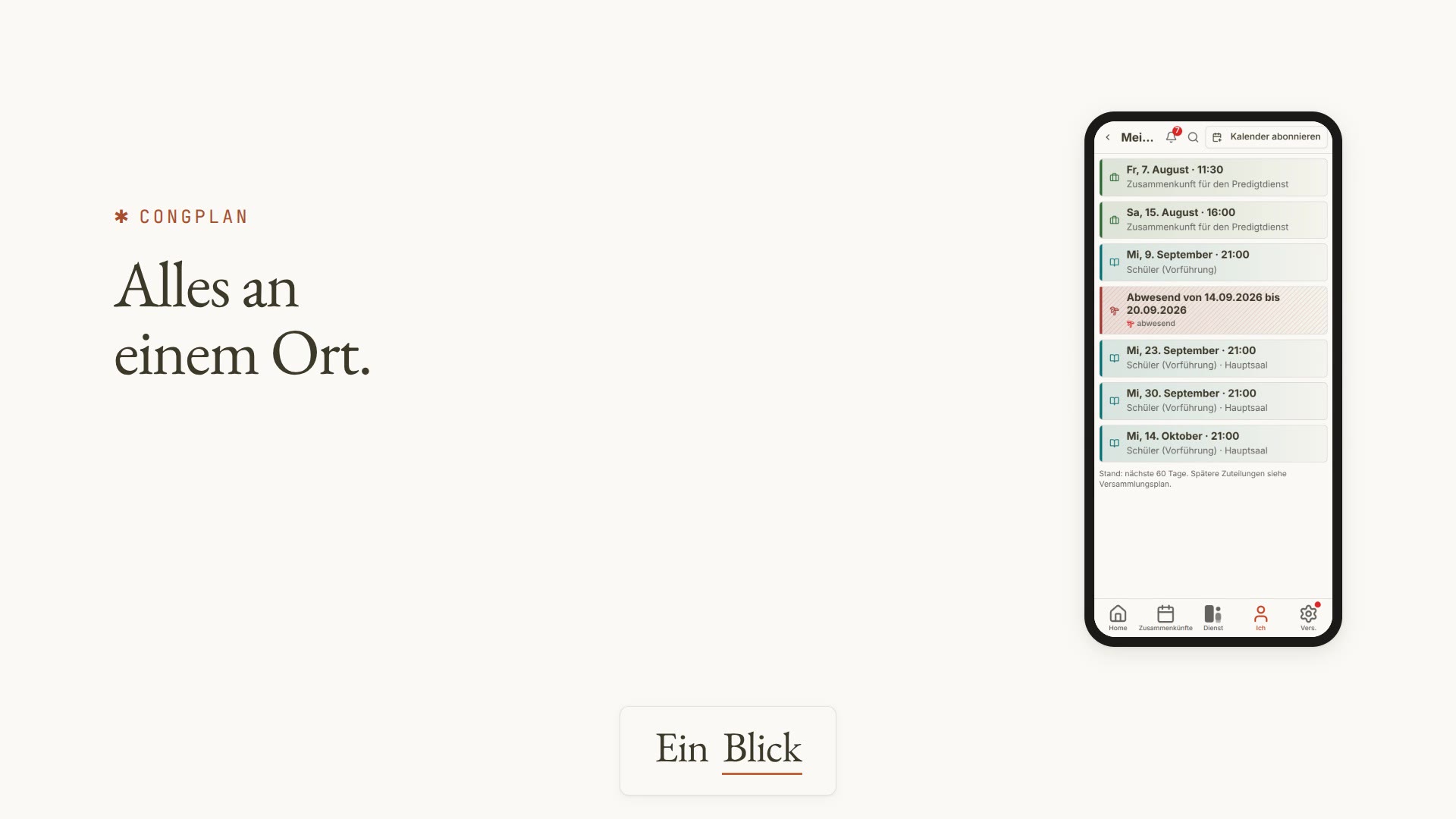
Publishers open “My Plan”, enter absences, sign up for shifts and request swaps – self-service instead of follow-up questions.
All the way into the calendar
With a calendar subscription (ICS), assignments and absences land in your own calendar automatically – on every device.
Features
What makes CongPlan
special.
Tools for planners and publishers – from the AI assistant to a print-ready PDF.
AI assistant New
CongPlan speaks MCP: connect your AI assistant and ask your plan in natural language. Most queries return IDs only; the assistant gets names only with the permission to read them.
Command Center
All open tasks, conflicts and appointments of the congregation at a glance – the home page for planners.
Print Center
Weekly and monthly plans, programs, duty matrix – as a PDF with A4 preview, ready to post on the Information Board.
Calendar sync
ICS subscription for assignments and absences – automatically up to date in every calendar.
Swap requests
Unavailable? Request a swap, get a confirmation – the plan keeps itself up to date.
Reminders
Timely notifications before assignments and shifts – nobody gets caught off guard.
Announcements New
Important information reaches everyone – with unread status on every device, without messenger groups.
Command Palette
Everything by keyboard: jump to people, plans and actions without taking your hands off the keys.
Our Christian Life and Ministry Meeting App →
Demo videos · 6 episodes
CongPlan in action.
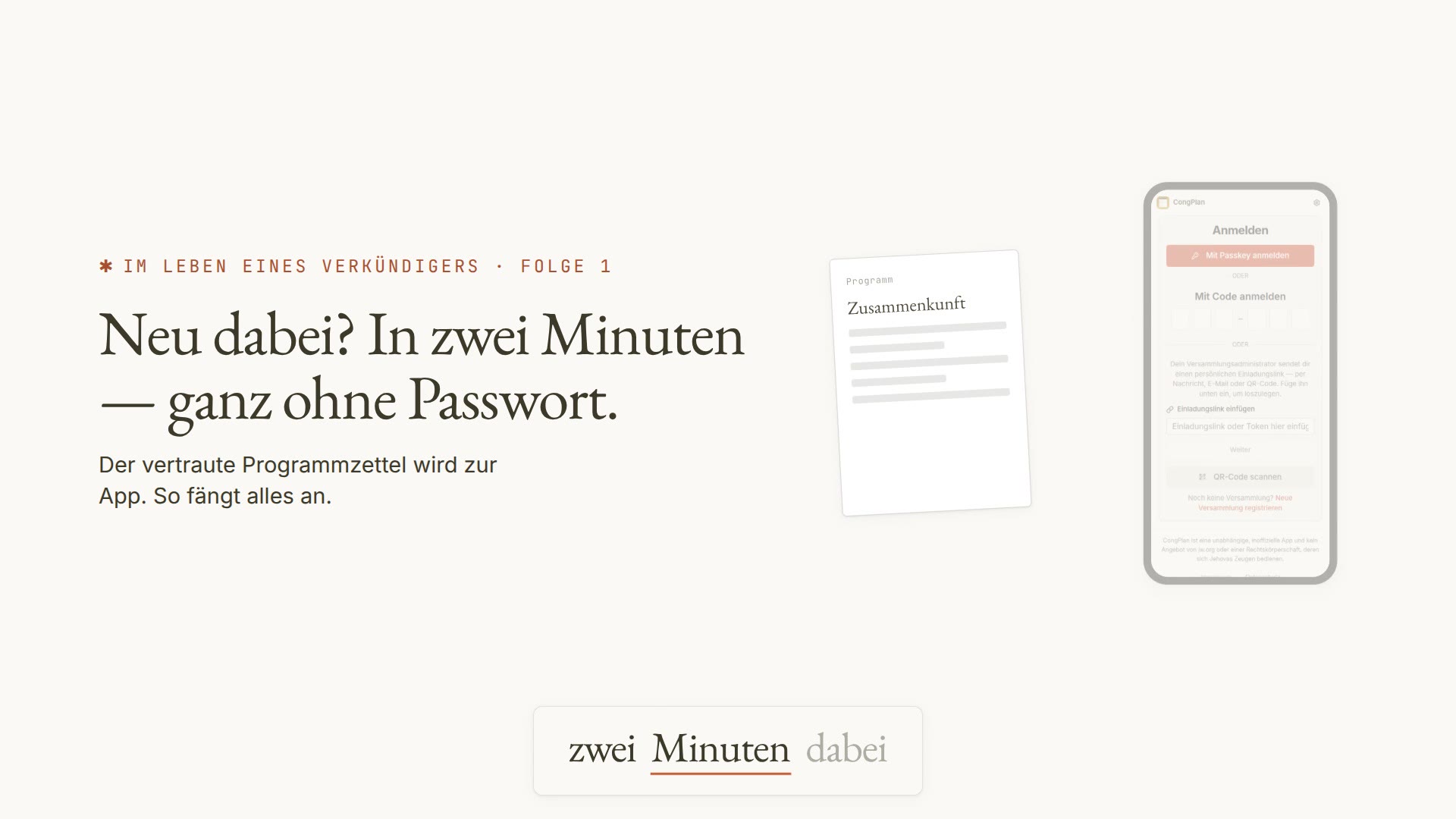
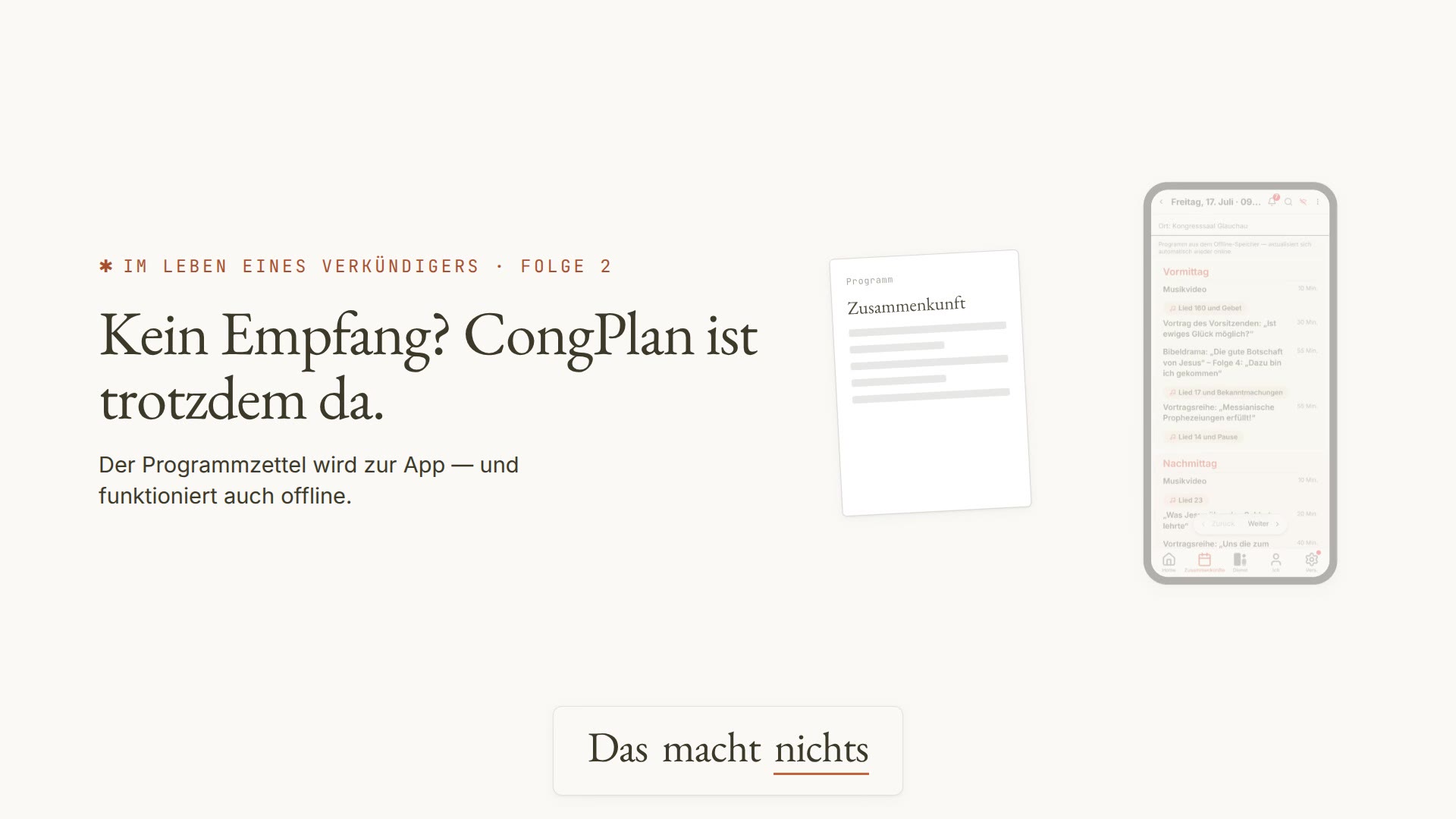
Short episodes walk you from the invitation link to the calendar subscription – each under a minute.
Trust
Your data.
Your congregation.
CongPlan is built for handling personal data confidentially – from sign-in to statistics.
Passkey instead of password
Sign in without a password. A passkey only works for congplan.app, so a look-alike site cannot request it.
EU hosting
Operated in Frankfurt, Germany – with data export and deletion under the GDPR.
Cookie-free statistics
No ad trackers, no cookie banners – statistics run anonymously.
Offline as a PWA and app
On your home screen or in the iOS app – the plan stays readable even without a connection.
Ready?
Plan next week
with CongPlan.
Free for congregations. Seven steps take you from registration to the first planned meeting.
New here? Getting Started with CongPlan
Still planning on a desktop computer? Switching from a Desktop Program
14 languages · Light & dark · Phone, tablet, desktop